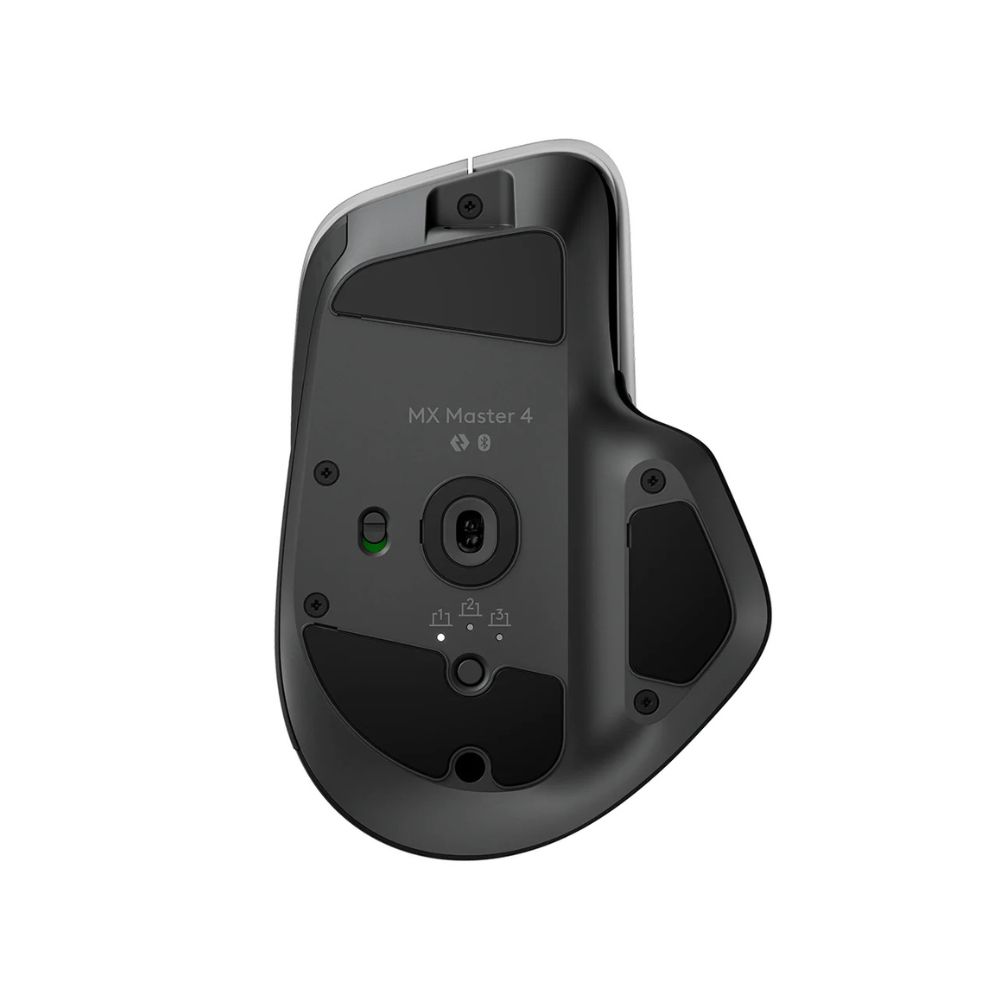
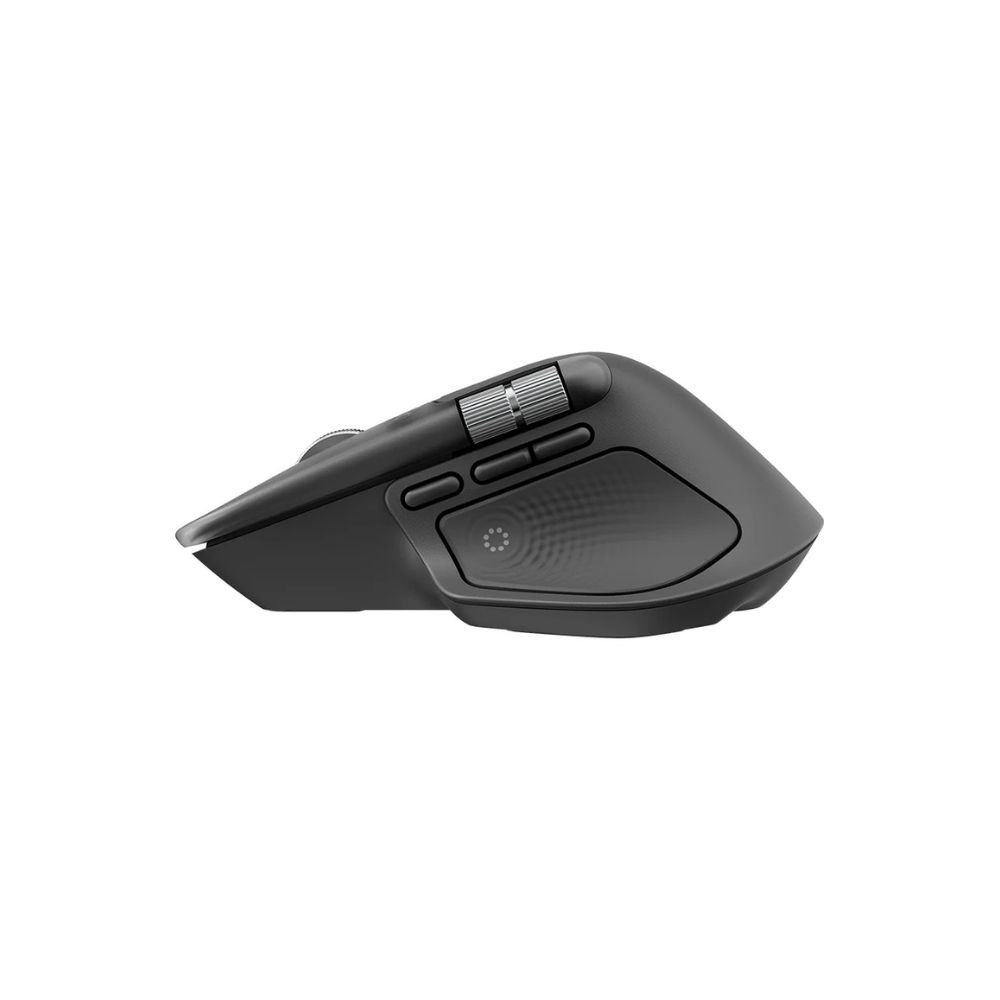
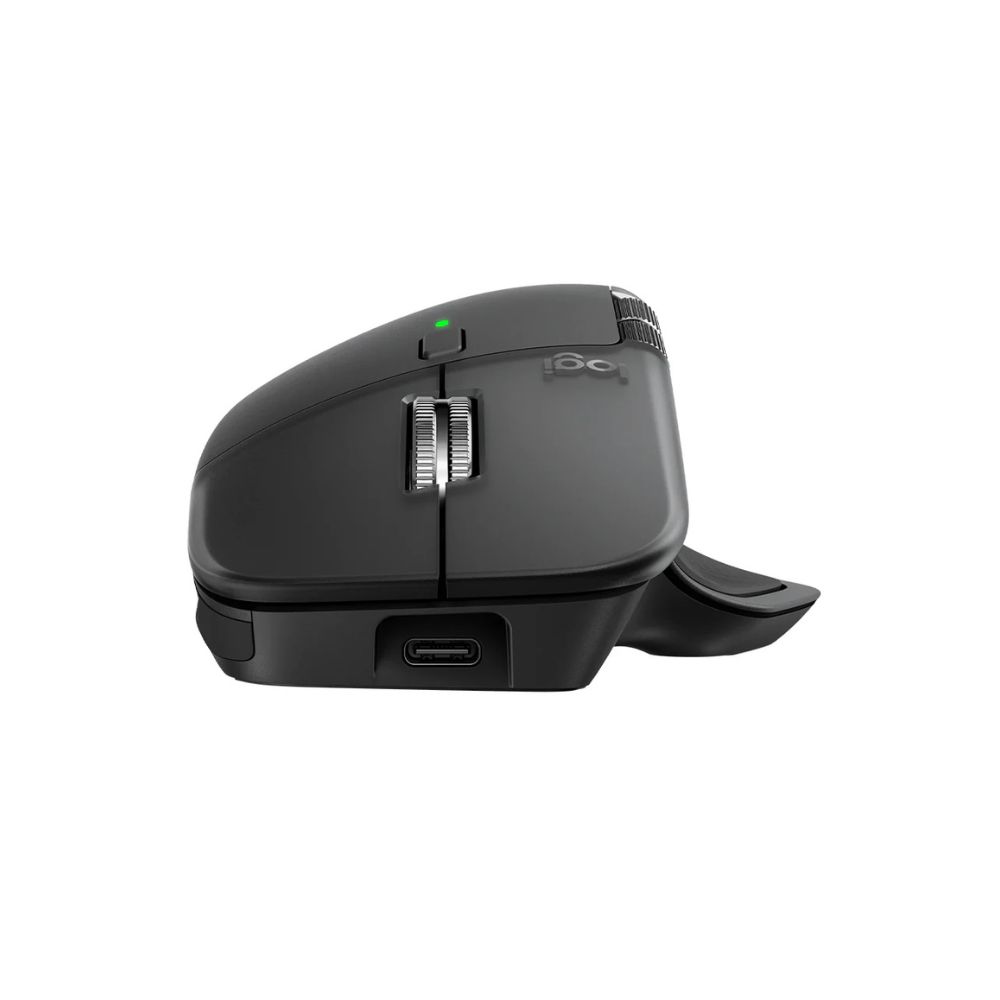
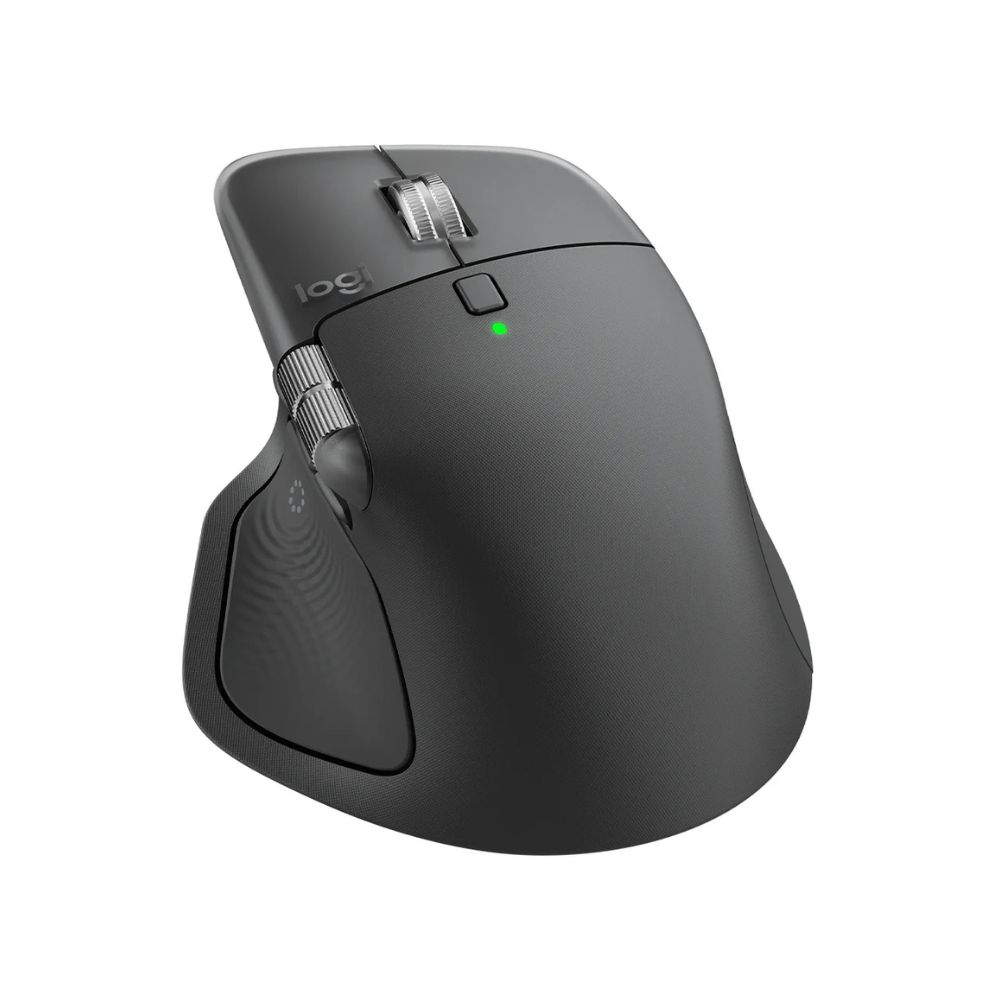
Connectivity: USB-C dongle + Bluetooth (multi-device) Sensor: Darkfield laser up to 8,000 DPI Scroll: MagSpeed scroll wheel + horizontal thumb wheel Compatibility: Windows / macOS / Linux Battery Life: Up to approx. 70 days (typical)
Performance / Functionality
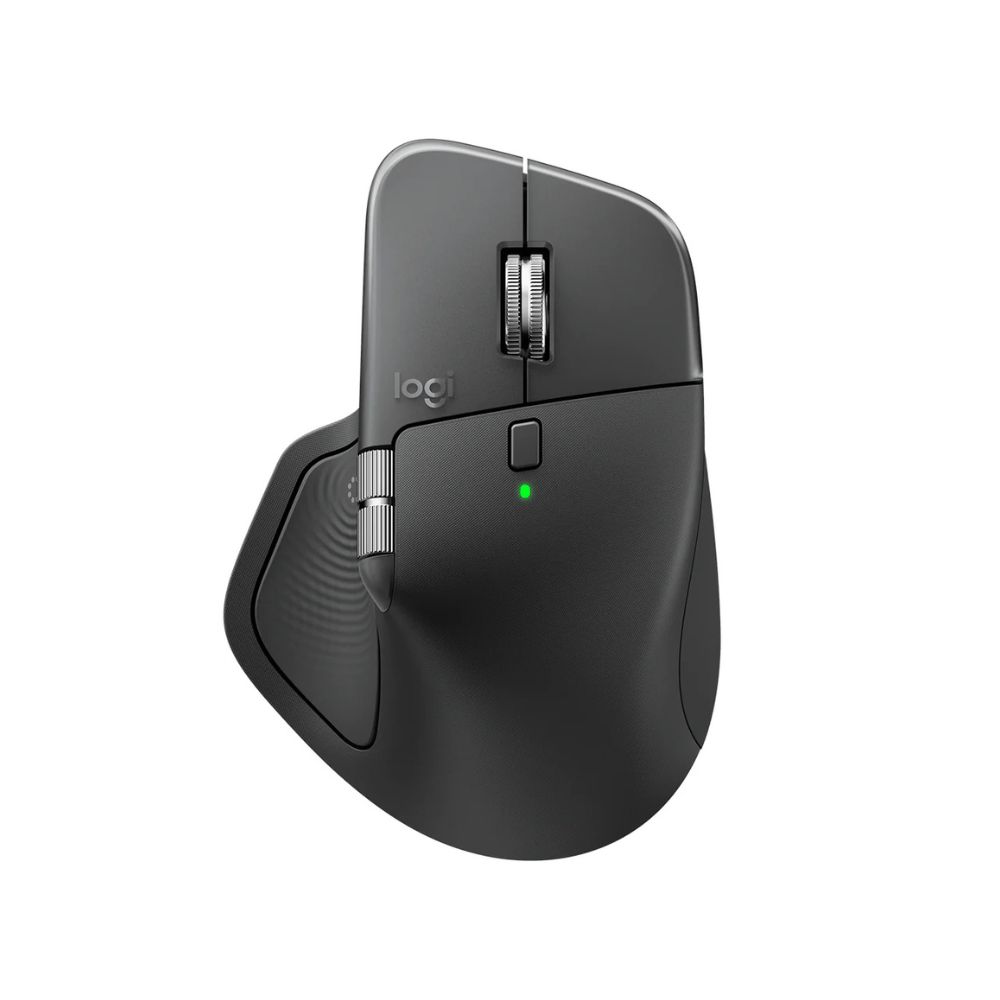
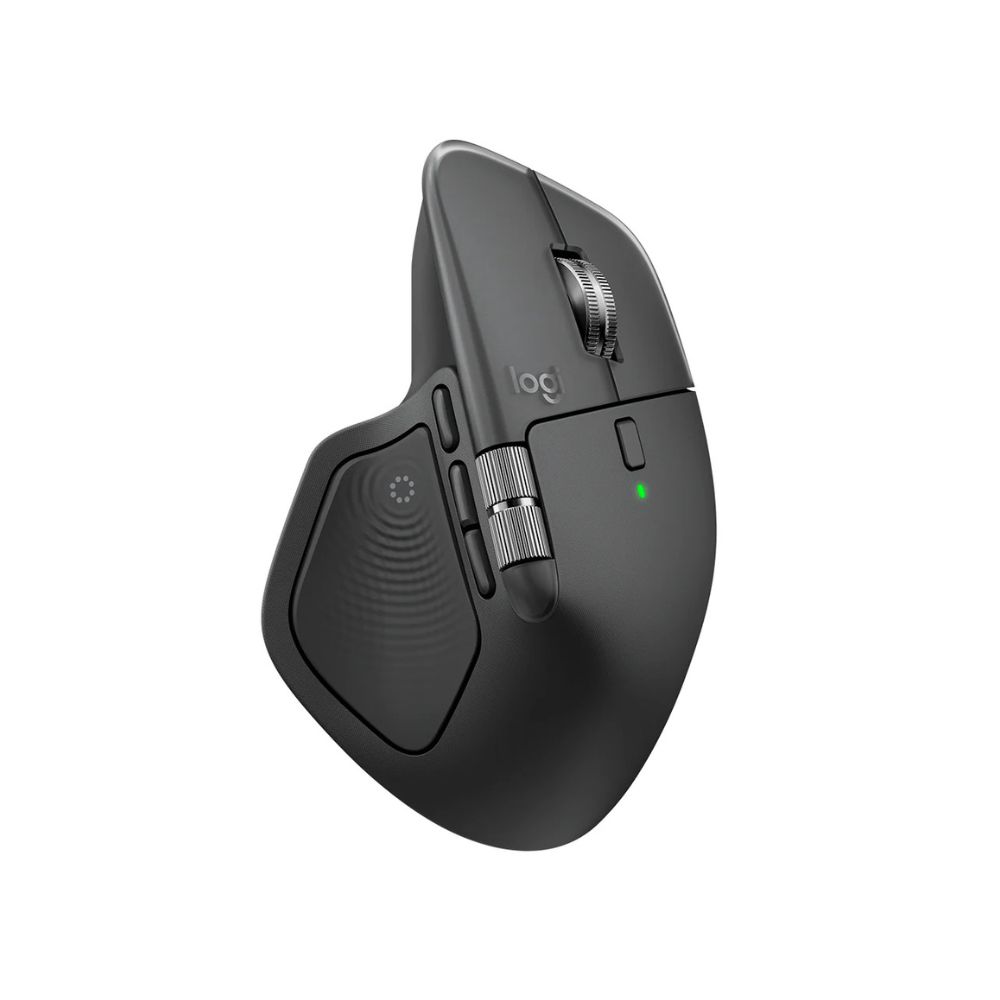
The Logitech MX Master 4 Wireless Mouse Multi-Device Bluetooth delivers high productivity support with its Darkfield laser sensor working on virtually any surface including glass, and an 8,000 DPI sensitivity for precise cursor control. The Logitech MX Master 4 Wireless Mouse Multi-Device Bluetooth features the MagSpeed scroll wheel and a horizontal thumb wheel, enabling fast vertical and lateral navigation through large documents and wide spreadsheets. It also offers multi-device connection allowing seamless switching between up to three paired computers.

Compatibility
The Logitech MX Master 4 Wireless Mouse Multi-Device Bluetooth supports Windows, macOS, Linux and ChromeOS platforms, and connects via USB-C LIGHTSPEED dongle or Bluetooth. The device integrates with the Logi Options+ software to configure custom device-specific profiles and gestures, making the Logitech MX Master 4 Wireless Mouse Multi-Device Bluetooth compatible with a wide range of applications and workflows.

Safety / Convenience
The Logitech MX Master 4 Wireless Mouse Multi-Device Bluetooth offers convenient rechargeable battery operation with a USB-C charge port and long battery life of up to approximately 70 days on a full charge under typical usage patterns. The Logitech MX Master 4 Wireless Mouse Multi-Device Bluetooth also enables instant device switching with the Easy-Switch button, helping reduce cursor lag when moving between multiple systems.

Design / Build
The Logitech MX Master 4 Wireless Mouse Multi-Device Bluetooth retains the ergonomic sculpted shape of the MX Master series, designed for right-hand use, with a thumb rest shelf and dedicated horizontal scroll wheel. The Logitech MX Master 4 Wireless Mouse Multi-Device Bluetooth has subtle updates in the side-button layout and improved surface texture for enhanced grip and durability

Usage Tips
To get the best results from the Logitech MX Master 4 Wireless Mouse Multi-Device Bluetooth, install the latest Logi Options+ software to map application-specific shortcuts and use the horizontal thumb wheel in spreadsheet or timeline workflows. Ensure you charge the mouse before first use and pair each device via Bluetooth or the LIGHTSPEED dongle for seamless switching. Keep the surface clean when using on glass or glossy surfaces for optimal Darkfield tracking.
Specifications
| Feature | Details |
|---|---|
| Model | Logitech MX Master 4 Wireless Mouse |
| Connectivity | USB-C LIGHTSPEED dongle + Bluetooth multi-device |
| Sensor/DPI | Darkfield laser, up to 8,000 DPI |
| Scroll Mechanism | MagSpeed wheel (vertical) + horizontal thumb wheel |
| Multi-Device Switching | Yes, up to 3 devices |
| Compatibility | Windows, macOS, Linux, ChromeOS |
| Battery Life | Up to approx. 70 days on full charge |
| Charging | USB-C fast charge |
| SKU | logitech-mx-master-4-wireless-mouse |
| Brand | Logitech |